Best Routers for Home Broadband 2026: Provider-Supplied vs Third-Party Options
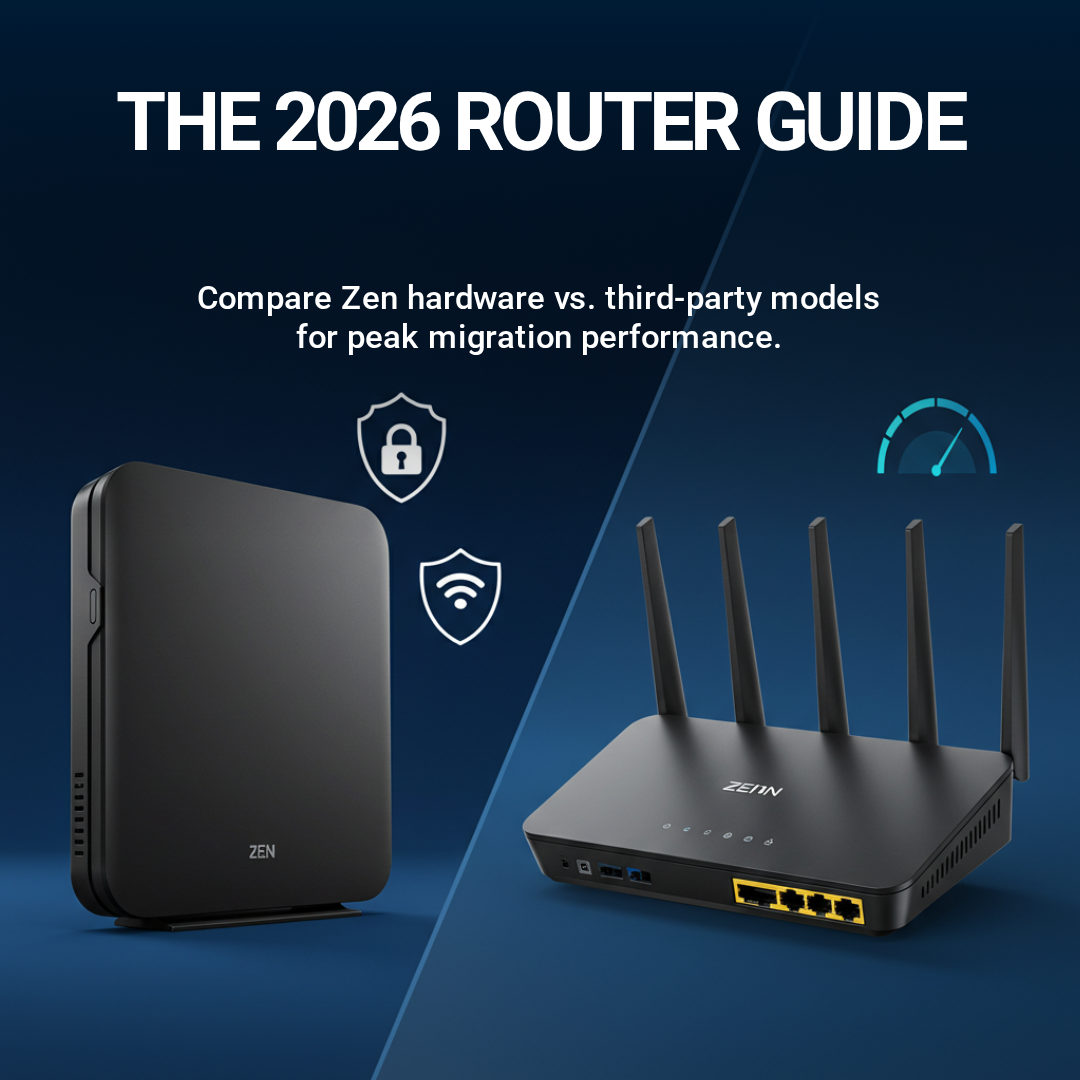
Router selection significantly impacts broadband performance, Wi-Fi coverage, and device reliability. Yet most households passively accept provider-supplied equipment despite potentially superior third-party alternatives. Understanding router specifications, performance benchmarks, and use-case matching enables informed purchasing decisions delivering optimal home network experience.
This guide evaluates provider-standard routers, recommends third-party upgrades for specific use cases, and explains router selection criteria matching household broadband demands.
What Makes a Quality Router: Core Specifications Explained
Router quality determined by four primary specifications: Wi-Fi standard (802.11n, 802.11ac, 802.11ax), processing speed (CPU GHz), RAM capacity, and maximum simultaneous client support.
Wi-Fi Standard (wireless capability):
802.11n (Wi-Fi 4): Maximum ~300Mbps theoretical speed. Obsolete by 2026 standards; insufficient for Full Fibre (FTTP) broadband gigabit tiers. Found on routers older than 5 years.
802.11ac (Wi-Fi 5): Maximum ~1.3Gbps theoretical speed. Adequate for Full Fibre (FTTP) broadband 150–300Mbps tiers; marginal for gigabit. Current provider-standard equipment.
802.11ax (Wi-Fi 6): Maximum ~2.4Gbps theoretical speed. Supports Full Fibre (FTTP) broadband gigabit tiers comfortably; future-proofing against emerging applications (8K streaming, VR, professional workflows). Premium third-party routers offer Wi-Fi 6.
Processing Speed and RAM:
Higher CPU GHz (1.2GHz+ preferred) and RAM (512MB minimum, 1GB+ preferred) enable faster packet processing, reduced latency spikes, stable performance under high device load. Budget routers (500MHz CPU, 128MB RAM) struggle supporting 30+ simultaneous devices; premium routers (1.5GHz+ CPU, 1GB+ RAM) handle 50+ devices without degradation.
Client Support:
Maximum simultaneous connected devices supported. Older routers: 10–20 devices. Modern routers: 30–50+ devices. Household device count (smartphones, tablets, smart home devices, streaming sticks, security cameras, gaming consoles, work computers, IoT sensors) increasingly exceeds 20 devices—router capacity critical consideration.
Additional features:
QoS (Quality of Service): Prioritises gaming/streaming traffic over background tasks. Critical for best broadband for gaming households.
MIMO (Multiple Input Multiple Output): Multiple antennas improving signal propagation and simultaneous device throughput. Modern routers: 4x4 MIMO standard.
MU-MIMO: Allows multiple devices receiving data simultaneously (versus SU-MIMO serving one device at a time). Reduces latency when multiple devices streaming simultaneously.
Contract Ending Soon?
Provider-Supplied Routers: Current Standards
BT Broadband review Smart Hub 2:
- Wi-Fi standard: Wi-Fi 5 (802.11ac)
- Speed: ~500Mbps Wi-Fi maximum (wired gigabit capable)
- Client capacity: 30–40 devices
- Features: Parental controls, guest network, basic QoS
- Assessment: Adequate for casual users. Insufficient for best broadband for gaming households due to Wi-Fi 5 limitation and lack of advanced gaming QoS. Wired connection superior for gaming; Wi-Fi performance acceptable for streaming/browsing.
Sky Broadband review Hub (latest models):
- Wi-Fi standard: Wi-Fi 5 (802.11ac)
- Speed: ~600Mbps Wi-Fi maximum
- Client capacity: 40–50 devices
- Features: Parental controls, guest network, improved QoS versus BT
- Assessment: Slightly superior to BT's Smart Hub 2. Adequate for households with multiple simultaneous streaming devices. Still insufficient for gigabit tier Wi-Fi utilisation or gaming optimisation.
Zen Internet review Router:
- Wi-Fi standard: Wi-Fi 5 (802.11ac)
- Client capacity: 30–40 devices
- Features: QoS configuration, parental controls, guest network, static IP support
- Assessment: Award-winning for ease-of-use and configuration flexibility. Superior user interface and troubleshooting documentation versus competitors. Adequate for most households; QoS features appreciated by gaming enthusiasts.
Plusnet review Router:
- Wi-Fi standard: Wi-Fi 5 (802.11ac)
- Client capacity: 30–50 devices
- Features: Standard parental controls, guest network
- Assessment: Adequate entry-level option. Less advanced than Zen; more capable than BT/Sky in some regions.
Provider-supplied router assessment (2026 standard): Current provider equipment universally Wi-Fi 5 standard, ~500–600Mbps Wi-Fi maximum, 30–50 device capacity. Adequate for casual users (streaming, browsing, light gaming); insufficient for gigabit tier Wi-Fi utilisation or competitive gaming households requiring latency optimisation.
Third-Party Router Recommendations by Use Case
For gaming households (best broadband for gaming priority):
- Wi-Fi standard: Wi-Fi 6 (802.11ax)
- Speed: 1.2Gbps (2.4GHz) + 2.1Gbps (5GHz) = 3.3Gbps total
- Client capacity: 50+ devices
- Features: Advanced QoS gaming prioritisation, MU-MIMO, per-device traffic monitoring
- Price: £200–£250
- Assessment: Professional-grade gaming router. QoS prioritisation eliminates gaming lag during simultaneous household streaming. Wired connection enables 5–10ms latency versus Wi-Fi 15–20ms. Future-proofing via Wi-Fi 6 supports 5+ year lifespan.
Netgear Nighthawk Pro (RAX200):
- Wi-Fi standard: Wi-Fi 6 (802.11ax)
- Speed: 2.2Gbps (2.4GHz) + 4.8Gbps (5GHz) = 7Gbps total
- Client capacity: 60+ devices
- Features: OFDMA technology, professional-grade gaming QoS, advanced parental controls
- Price: £250–£300
- Assessment: Premium gaming option. Excessive specifications for most households (7Gbps total unlikely to be fully utilised). Justified for professional streamers or households with 40+ simultaneous devices.
For large households (30+ devices):
- Wi-Fi standard: Wi-Fi 6 (802.11ax)
- Speed: 1.2Gbps (2.4GHz) + 4.8Gbps (5GHz) = 6Gbps total
- Client capacity: 50+ devices
- Features: OFDMA, MU-MIMO, QoS
- Price: £100–£150
- Assessment: Budget Wi-Fi 6 option. Adequate for large device count without gaming optimisation. Value alternative to premium gaming routers for non-gaming households.
For Full Fibre (FTTP) broadband gigabit tier:
- Wi-Fi standard: Wi-Fi 5 (802.11ac)
- Speed: 1Gbps wired, 500Mbps Wi-Fi
- Client capacity: 50+ devices
- Features: Professional firewall, advanced network monitoring, built-in controller
- Price: £300–£350
- Assessment: Professional-grade networking solution. Overkill for casual users; justified for home offices, small business networks, users requiring advanced network security/monitoring. Wired connection enables full gigabit utilisation; Wi-Fi still limited to 500Mbps (Wi-Fi 5 limitation).
For budget-conscious users (casual streaming/browsing):
Provider-supplied router adequate. No third-party upgrade justified unless experiencing dead zones (purchase ASUS AiMesh compatible extender, £50–£100, instead of premium router).
Router Selection Decision Tree
Is household experiencing dropped connections or poor signal?
- Yes: Upgrade to modern Wi-Fi 5/6 router OR deploy mesh system (ASUS AiMesh, Netgear Orbi, Amazon Eero Pro, £150–£400).
- No: Proceed to next question.
Does household include competitive gamers or professional streamers?
- Yes: Invest in gaming-optimised router (ASUS RT-AX88U, Netgear Nighthawk Pro, £200–£300) with advanced QoS.
- No: Proceed to next question.
Does household exceed 30 simultaneous connected devices?
- Yes: Upgrade to modern Wi-Fi 6 router (TP-Link Archer, £100–£150) or mesh system extending capacity.
- No: Proceed to next question.
Is current router exceeding 3 years age?
- Yes: Upgrade to modern Wi-Fi 5/6 router (provider-supplied adequate if available; £80–£150 third-party alternative if upgrading independently).
- No: Keep current router; reassess in 12 months.
Optimal Router Upgrade Timing: Contract Renewal Strategy
Timing consideration: Schedule router upgrades during broadband contract renewal or switching broadband providers decision points. Most providers include new router automatically upon contract renewal or switch (available on fibre broadband deals page).
Action plan:
Contact provider 2–3 months pre-contract expiry confirming router inclusion and specifications. Request upgrade if provider-supplied model inadequate (older Wi-Fi standard, insufficient client capacity). Most providers offer premium router upgrades for modest monthly premium (£2–£5, justified for gaming households).
If switching providers, confirm new provider includes current router. Compare cheap broadband deals to identify providers offering superior router specifications alongside competitive pricing.
If mid-contract upgrade necessary (reliability failure, security concerns, gaming performance limitation), contact provider requesting replacement. Escalate if initially declined—routers older than 3 years present security risk justifying replacement outside standard contract cycles.
Provider-Supplied vs Third-Party: Cost-Benefit Analysis
Provider-supplied router:
- Cost: £0–£10/month (included or modest monthly premium)
- Lifespan: 3–4 years
- Support: Provider customer service available
- Specifications: Standard (Wi-Fi 5, 30–40 client capacity)
- Best for: Budget-conscious casual users
Third-party router:
- Cost: £80–£300 upfront (amortised to £2–£8/month over 3–5 year lifespan)
- Lifespan: 5+ years with regular firmware updates
- Support: Manufacturer customer service (potentially superior to ISP support)
- Specifications: Premium (Wi-Fi 6, 50+ client capacity, advanced QoS)
- Best for: Gaming households, large device counts, longevity prioritisation
Recommendation: For best broadband for gaming households, third-party investment (£200–£300) justified—QoS features deliver measurable latency reduction, Wi-Fi 6 future-proofing, professional-grade support. For casual users, provider-supplied router acceptable with upgrade timing discipline (replacement every 3–4 years during contract renewal).
Mesh Systems: Alternative to Single Router Upgrade
Large properties (3+ floors, thick walls, 40+ metres length) often benefit from mesh systems instead of single router upgrades.
Mesh systems deploy multiple nodes (2–3 typical) positioned throughout home, relaying signal to eliminate dead zones. Seamless roaming—devices automatically switch between nodes without manual network switching.
Options: ASUS AiMesh (requires compatible router), Netgear Orbi (dedicated system), Amazon Eero Pro (dedicated, integrated with Amazon services), Ubiquiti Unifi (professional-grade).
Cost: £150–£400 depending on node count and specification. Justify investment when single router solution fails covering entire property despite optimal positioning.
Contract Ending Soon?
Tell us when your broadband contract ends and we'll email you the best deals available at your address, so you can switch penalty-free.